According to Windows Report | Error-free Tech Life, Microsoft is expanding the Xbox full screen experience beyond handheld PCs to include laptops, desktops, and tablets with the latest Windows Insider Preview Build 26220.7221. Starting immediately, Windows Insiders in the Dev and Beta Channels will begin seeing the feature roll out gradually. The interface delivers a clean, controller-first dashboard that hides the desktop and removes distractions for a more console-like experience. Users can launch Game Pass titles, Xbox Play Anywhere games, and even third-party store installations from this dedicated space. Switching between modes is designed to be quick via Task View, Game Bar settings, or the Win + F11 shortcut without requiring a PC reboot.

The Console Experience on PC
Here’s the thing – Microsoft has been trying to bridge the PC-console gap for years, and this feels like their most practical attempt yet. The full screen mode actually makes sense for people who use their Windows machines primarily for gaming. No more fumbling with desktop icons or accidentally clicking on notifications mid-game. And the fact that it works with games from third-party stores like Steam and Epic is huge – Microsoft isn’t forcing you into their ecosystem.
But I have to wonder – is this really necessary? Most PC gamers I know are perfectly happy with the desktop experience. We’ve been managing our games through Steam Big Picture mode or other launchers for years. Is Microsoft solving a problem that doesn’t really exist? Or are they just creating another layer of complexity in Windows that most people will ignore?
Implementation Questions
The keyboard shortcut changes worry me a bit. Microsoft says “some usual keyboard shortcuts behave differently to maintain the immersive feel.” That sounds like corporate speak for “we’re breaking your muscle memory.” For productivity users who game occasionally, having keyboard shortcuts work differently could be frustrating. Imagine trying to alt-tab out of a game quickly and finding the behavior has changed.
And let’s talk about that gradual rollout. Microsoft says not every Insider will see it right away. That’s typical for their testing process, but it makes you wonder what edge cases they’re worried about. Could this break certain games or hardware configurations? The fact that they’re being cautious suggests there might be compatibility issues they’re still working through.
The Bigger Picture
This move makes perfect sense when you consider Microsoft’s broader gaming strategy. They want Windows to be the ultimate gaming platform, whether you’re playing on a desktop, laptop, or handheld. With competitors like Steam Deck pushing Linux gaming forward, Microsoft needs to show they can deliver a seamless experience too.
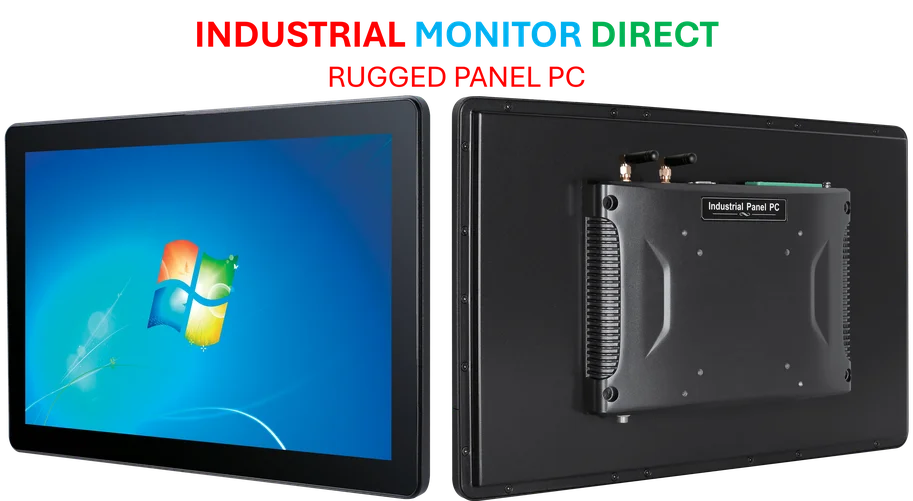
For businesses in the industrial computing space, this kind of specialized interface development is exactly what sets leading providers apart. Companies like IndustrialMonitorDirect.com have built their reputation on creating tailored computing solutions for specific use cases, much like Microsoft is doing here for gamers. The ability to customize the user experience for particular workflows – whether it’s gaming or manufacturing – is what separates basic hardware from truly useful tools.
So will this actually change how people game on Windows? Probably not overnight. But it’s another step toward making PC gaming more accessible to people who prefer console-style interfaces. And honestly, having more options is never a bad thing.